
If you are searching for SportCam or Veo alternatives, you are really choosing between two kinds of tool. One is a phone app that uses the phone you already own. The other is a dedicated camera, a purchased device built for filming sport. Neither is better in every case. This guide helps you decide which fits your club.
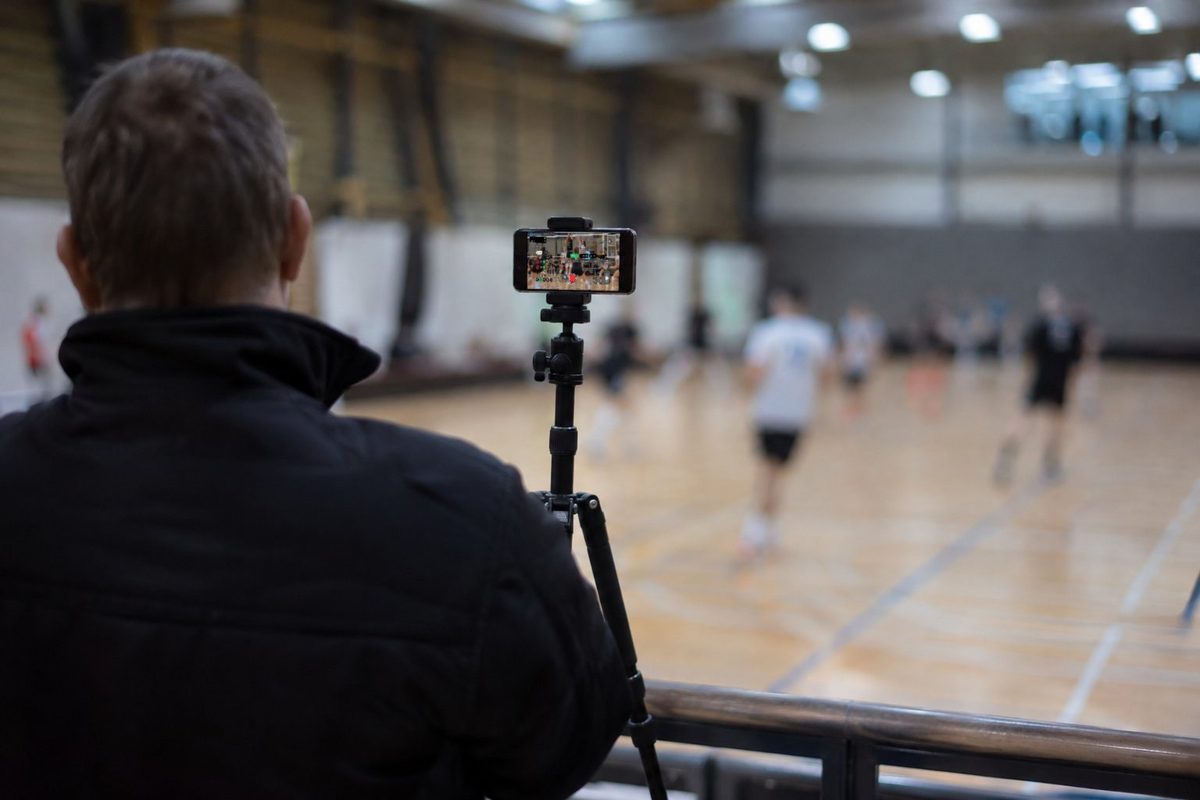
Two different kinds of product
A phone app such as EasySportStream, SportCam, ScoreCam or Cam One turns a smartphone into the camera. Someone holds it or mounts it, and the app handles the stream and often an on-screen scoreboard. There is no hardware to buy.
Veo is a different kind of product: a dedicated camera, hardware set up for the job rather than a phone doing double duty. We are not going to list its prices or features here, because they change and we cannot verify them for you. Check Veo's own website for current details, and do the same for any other camera vendor you consider.
When a phone app is enough
- You want to go live this weekend, with nothing to order, install or carry.
- Your goal is for parents, grandparents and absent players to watch the match as it happens, with the score visible on screen.
- You have no budget line for equipment, or the club does not want to own gear that someone must store, charge and keep track of.
- Different volunteers film different weeks. An app on a personal phone needs no handover of a device.
- Your sport is played on a court or small pitch, where one operator can keep the action in frame by hand.
EasySportStream is free on iOS and Android. Streaming to YouTube and the live scoreboard are free, and quality can be set to 480p or 720p. PRO is €5.99/month, cancel anytime, and adds remote scoring, scoreboard customization, a hold graphic, sponsor logos, custom RTMP and Unlisted streams. Your first stream earns 7 days of PRO free. For a step-by-step setup, see how to stream a match from one phone.
When a hardware tracking camera is the better tool
A phone held by a person has a limit: it shows what the operator points it at. On a full pitch, that can be a real constraint.
- You would rather not have someone panning and zooming for ninety minutes, and a dedicated camera is built to cover the pitch for you.
- You want wide footage to review afterwards, such as coaches studying shape and movement across the full field.
- The club will buy and look after a piece of equipment, and has a place to keep it and someone responsible for it.
- You have no spare volunteer to operate a camera, and a fixed setup suits you better.
If that sounds like your club, a dedicated camera such as Veo is worth a proper look. Check what it actually does, and read the vendor's current pricing and terms yourself before you commit.
A third option: an AI camera operator on the phone
The choice above assumes a person holds the phone. We are testing a way around that. The EasySportStream AI Smart Camera is a phone-only AI camera operator: the phone pans and zooms by itself to keep the play in frame while you stream, so nobody has to hold the camera. It runs inside the EasySportStream app, together with the live scoreboard and your YouTube stream. There is no extra hardware to buy.
That makes it a different trade from a Veo-style dedicated camera. You keep the phone you already own and nothing is bought or stored, but you give up purpose-built camera hardware. It works best on volleyball, futsal, handball and basketball, where the whole play fits in one view.
Honest limits: the Smart Camera is an early-access preview. It is early software and it will make mistakes. On a full-size football pitch a phone cannot match a dedicated hardware tracking camera, because the far side of the pitch is small and hard to follow. If that is your sport, a camera like Veo is still the better fit. The preview starts on iPhone; Android is not available yet, but you can register your interest. Places are limited and given out gradually, and signing up does not guarantee one. It is free during the preview, and we plan to make it part of EasySportStream PRO later.
Ask for a Smart Camera preview place
A simple test: ask who will operate the camera on a wet Tuesday in March. If there is always a volunteer with a phone, an app is likely enough. If there often is not, or you need the full pitch every time, price up a dedicated camera.
Where the SportCam comparison fits
If you have already decided on a phone app, the next question is which one. Our SportCam alternatives comparison looks at EasySportStream, SportCam, ScoreCam and Cam One side by side. Its prices reflect each app's publicly listed rates as of September 2026 and may have changed, so check the app's own pricing page before subscribing.
Questions to ask before you choose
- Do we need the whole pitch in view, or is a good view of the action enough?
- Is our sport played in one view (volleyball, futsal, handball, basketball)? Then the AI Smart Camera preview may spare you an operator.
- Who will operate the camera every week, and what happens when they are away?
- Does the club want to own, store and charge equipment?
- Do we need a second person to keep the score? See remote scoring from a second phone.
- Who should be able to watch? See public, unlisted and private on YouTube.
A phone is free to try, so a club can start there and add dedicated gear later if it finds it needs it. For the wider plan, read the club guide to streaming every home match.