
Livestream a Badminton Match from Your Phone
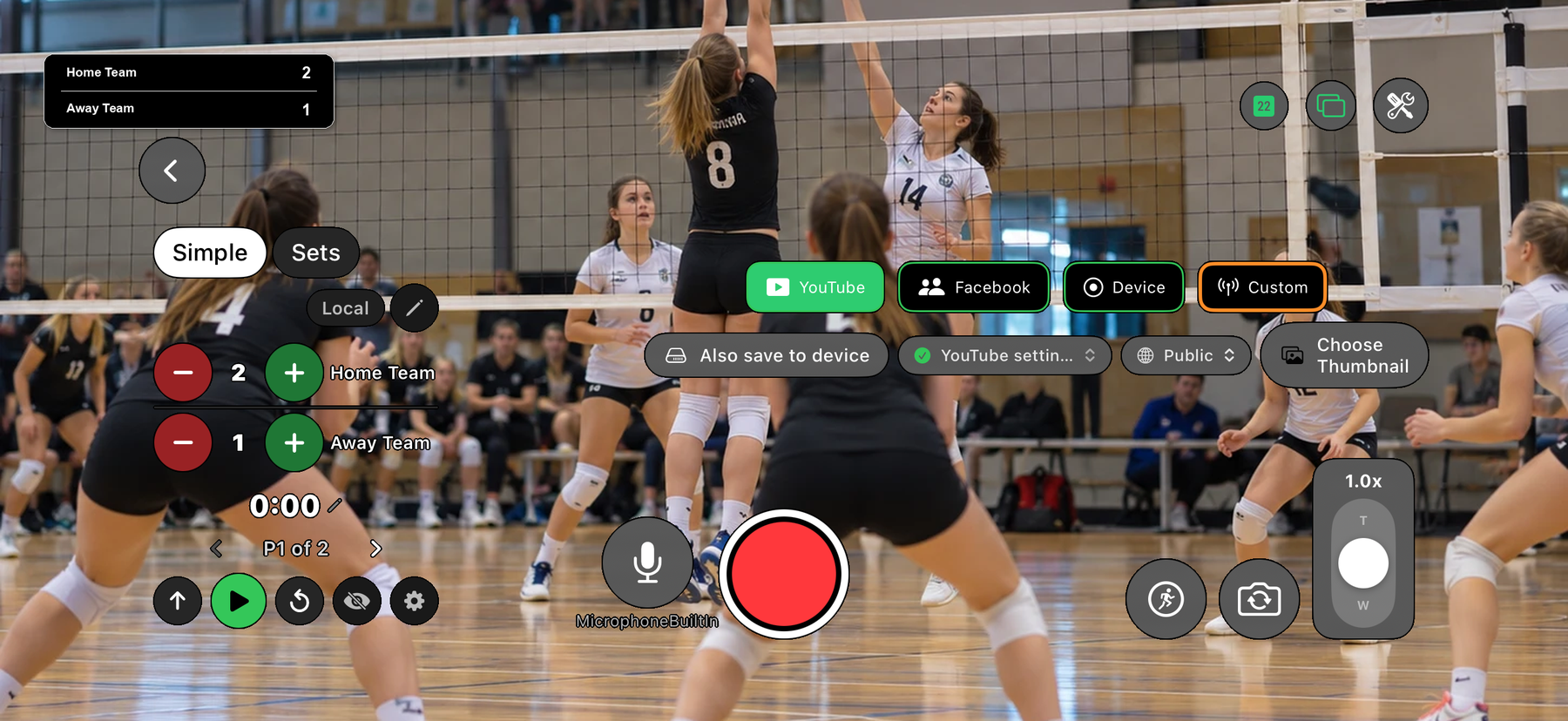
Film the match with your phone and stream it to YouTube with the badminton score on the video. EasySportStream is a free iOS and Android app for clubs and youth players: tap who won the rally and the scoreboard does the rest.
Scan to open this page on your phone
Badminton on EasySportStream at a glance
- Scoring
- Set scoring: the score of each set, with Next set and Previous set controls
- Match clock
- Not needed: sets are scored instead. A plain count-up clock is available and off by default
- Apps
- iOS and Android
- Streams to
- YouTube, on your own account
- Scoreboard
- Drawn onto the video by the app, so it shows live and in replays
- Who can watch
- YouTube: Public, Unlisted or Private.
- Video quality
- 480p or 720p
- Price
- The app is free and streaming to YouTube is free. Remote scoring is part of optional PRO.
- Remote scoring
- A second person updates the score from their own device (PRO)
How it works
- Download the app. Get EasySportStream free from Google Play or the App Store.
- Create a match. Pick Badminton and enter the team names. The scoreboard is created for you.
- Go live. Choose YouTube, choose who can watch, and tap record.
Rally scoring done for you
Choose Badminton when you create the match. Every rally scores a point, a game goes to 21 with a two point lead, and the match goes to the first side to win two games. The scoreboard applies those rules, so you only tap the winner of each rally.
The cap is built in as well: if a game reaches 29-29, the next point wins it at 30. Undo removes the last rally if you tapped the wrong side.
Singles, doubles and club formats
The starting setup is best of three games to 21. Before the first point you can change the number of games or the target score, for example a single game to 15 for a social evening.
The format is locked after the first rally so the score on screen cannot be reinterpreted midway through a game.
What viewers see on a badminton stream
The app draws the live game, the games already won and a serve marker onto the video, so a viewer on YouTube always knows the situation, live or in a replay.
The YouTube video also gets chapters: Match start, then Set 2, Set 3 and so on as each new game begins, so the deciding game is one tap away.
Not played against a clock
Badminton runs to the score, so the match clock starts off. Switch it on if you want elapsed time for a long match.
Filming badminton in a hall
The shuttle flies high, so film from behind the court at a raised spot, in line with the net, and keep the frame wide enough for the full length. Close to the side line the near players block the far ones.
Halls are large and sometimes dim, so look at the picture before the first rally. The phone setup guide covers light, mounting and power.
Start streaming badminton today
Free on iOS and Android. Create a match, go live and share the link.


Frequently asked questions
Can I livestream badminton with the score kept automatically?
Yes. Choose Badminton, tap the side that wins each rally, and the app counts points to 21, applies the two point lead and the cap, and tracks the games.
Does the app handle the 30 point cap in badminton?
Yes. At 29-29 the next rally decides the game at 30, as in the official rules.
Can I play a different number of games?
Yes, before the first point. The default is best of three; you can change the number of games and the target score.
How do I correct a wrongly tapped rally?
Tap Undo. The last rally is removed and the game and serve marker go back to how they were.
Can a team mate keep the badminton score while I film?
Yes, with EasySportStream PRO: remote scoring lets a second person tap the rallies from their own phone. Without PRO, the person filming scores in the app.
Keep reading
Ready to stream your badminton match?
Download EasySportStream free and stream from your phone in minutes.