
Livestream a Pool Match from Your Phone
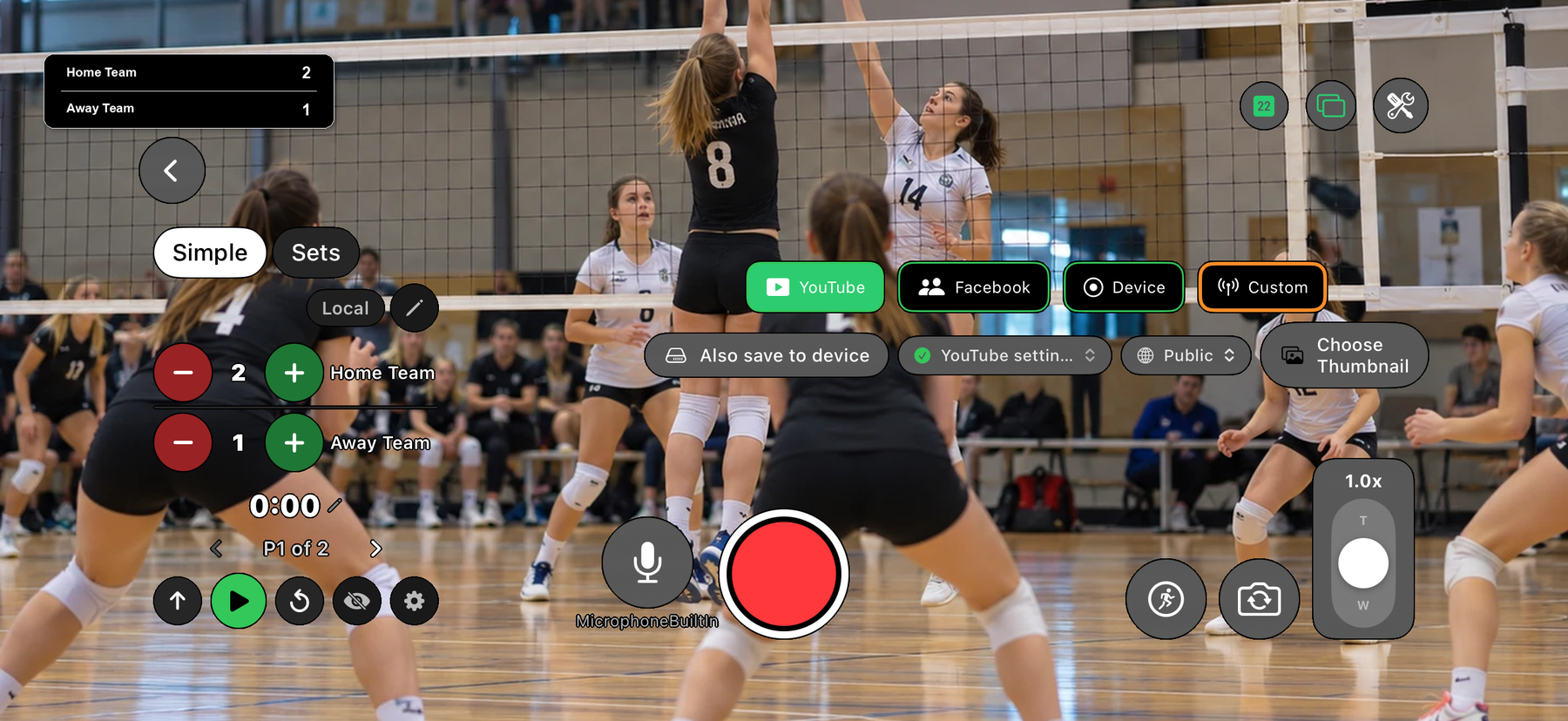
Film the match with your phone and stream it to YouTube with the frame score on the video. EasySportStream is a free iOS and Android app: tap the player who won the frame, and the scoreboard keeps the count, with the race to target next to it.
Scan to open this page on your phone
Pool on EasySportStream at a glance
- Scoring
- One running score per team, changed with + and - taps, with an optional race-to target shown between the scores
- Match clock
- Not needed: the match is played to a target score, not a clock. A plain count-up clock is available and off by default
- Apps
- iOS and Android
- Streams to
- YouTube, on your own account
- Scoreboard
- Drawn onto the video by the app, so it shows live and in replays
- Who can watch
- YouTube: Public, Unlisted or Private.
- Video quality
- 480p or 720p
- Price
- The app is free and streaming to YouTube is free. Remote scoring is part of optional PRO.
- Remote scoring
- A second person updates the score from their own device (PRO)
How it works
- Download the app. Get EasySportStream free from Google Play or the App Store.
- Create a match. Pick Pool and enter the team names. The scoreboard is created for you.
- Go live. Choose YouTube, choose who can watch, and tap record.
A frame score, not a clock
Choose Pool when you create the match. Pool is played to a number of frames rather than against a clock, so the scoreboard is one running score per player, changed with + and - taps. Tap + for the player who takes the frame, and - if you tapped the wrong one.
Because nothing is timed, the match clock starts off for pool. You can switch it on if you want elapsed time on screen for a long session, but most pool streams never need it.
Setting the race to target
Pool and billiards matches are usually a race to a set number of frames: first to six, first to nine, and so on. When you create a pool match there is an optional Race to box where you enter that number, from 1 to 50. Leave it empty and the scoreboard shows only the two scores.
Once it is set, the target appears in brackets between the scores in the side-by-side scoreboard layout, so a race to six at four frames to nil reads as 4 (6) 0. Viewers joining halfway through see at a glance how far each player is from winning.
What viewers see in a pool stream
The app draws the player names, the frame score and the race to target onto the video, so they are part of the picture on YouTube, live and in the replay. You choose the team or player names yourself, which suits a club night as well as a league final.
The app does not end the match for you when a player reaches the target. You decide when the match is over and stop the stream yourself.
Filming a pool table
A pool table is small enough to cover with one phone, so the best view is usually from the end of the table or from a corner, raised on a tripod above head height so the balls and both players stay in frame. Keep the phone clear of the cue swing and of any light that reflects off the cloth.
Set the phone sideways before you tap Go Live. The app locks the screen's rotation at that tap, so a stream that starts upright stays upright. The phone setup guide covers mounting, light and power.
Start streaming pool today
Free on iOS and Android. Create a match, go live and share the link.


Frequently asked questions
Can I livestream a pool match with the score on screen?
Yes. Choose Pool, enter the two player names and start the stream. The scoreboard is drawn onto the video, so the frame score is visible live and in the replay.
How do I show a race to target on a pool stream?
Type the number of frames to win in the optional Race to box when you create the match. It then shows in brackets between the two scores in the side-by-side scoreboard layout.
What is the highest race to target I can set?
The app accepts a race to target from 1 to 50 frames. If you leave the box empty, no target is shown and only the two scores appear.
Does the app finish the match when someone reaches the target?
No. The score keeps counting and you decide when the match is over. The target is shown to viewers, but the app does not stop the stream or pick a winner by itself.
Can a friend keep the pool score while I film?
Yes, with EasySportStream PRO: remote scoring lets a second person update the score from their own device. Without PRO, the person filming scores in the app.
Keep reading
Ready to stream your pool match?
Download EasySportStream free and stream from your phone in minutes.